

Business development @ Proxuma
This article is reviewed by: Jasper van Horssen
Written on: Modified:
Blogs
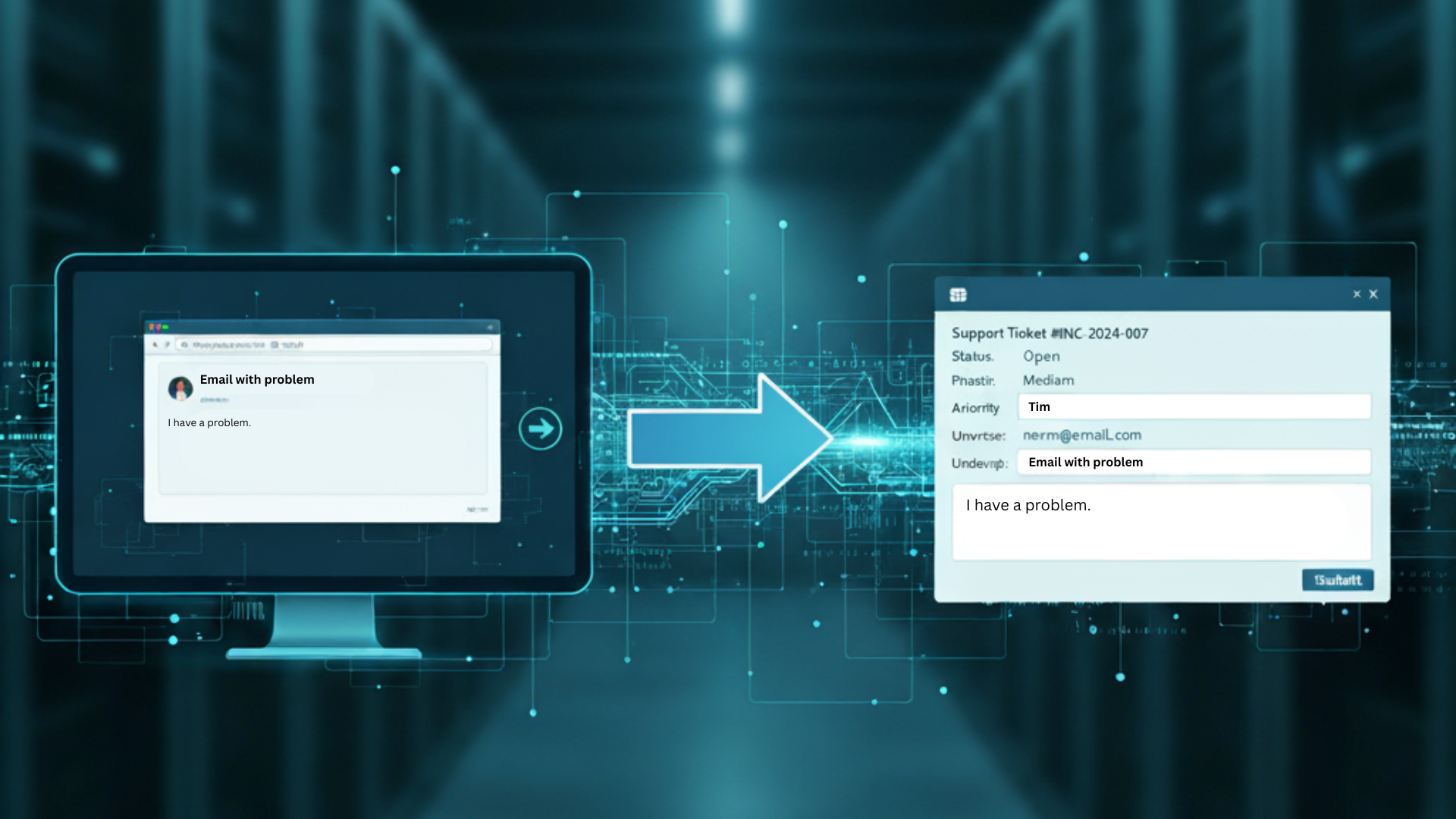
We still see it surprisingly often: teams that manually create every ticket from their mailbox. A customer sends an email, a first-line technician copies the text, pastes it into Autotask, adds the subject line as the ticket title, and uploads any attachments. Then, when a reply comes in, the same thing happens again. Technically, it works, but it’s slow and honestly a waste of time.
With only a few emails a day, it’s manageable. But as you grow, your inbox becomes a second job. You spend more time processing emails than solving tickets, and mistakes creep in: a message that gets lost, an attachment that disappears, or two people replying to the same email at once.
One MSP we recently helped was right in the middle of this. Nine people, 50 to 75 emails per day, and every morning that same feeling: “We’re always behind.” They had one shared support mailbox and of course, personal email addresses for every engineer. Customers emailed whoever they happened to know, and engineers replied directly from their own inboxes. Meanwhile, three conversations were happening about the same issue, and nobody knew which email was the latest.
Until we set up the Incoming Email Processor for them, and then everything clicked. Autotask automatically picked up new emails, created tickets, and linked replies to the right ticket or task. The result was amazing. The workload dropped, customers got faster responses, and the team finally started working together. The mailbox, once their biggest frustration, became their most organized entry point. And all without hiring anyone extra.
They loved it so much that they also connected their admin and sales mailboxes to the processor. It took a few days to get used to, but within a week, all their loose spreadsheets, tasks, and to-do lists had disappeared.
Once your Incoming Email Processor is properly configured, that’s when the real fun begins. Many MSPs use it just to create tickets, but there’s much more potential. Its real power lies in everything you can automate without anyone having to touch it. Here are some practical examples:
Automatic confirmation emails: You can instantly send an acknowledgment to the customer, letting them know their message has been received and giving them a reference number for future contact.
Smart alert handling: Many MSPs still let monitoring alerts land in their inbox. They get forwarded around and eventually buried. The processor can automatically recognize these alerts, turn them into tickets, and assign the right priority or category. The team immediately knows what needs action and what doesn’t.
Beyond the service desk: Most MSPs start using the processor for their support inbox, which makes sense since that’s where the pressure is highest. But it’s just as useful elsewhere. Once support runs smoothly, you’ll see how powerful one simple idea can be: email doesn’t have to live outside your workflows.
We’ve seen MSPs use the processor for internal actions and notifications too. For example:
A sales email that automatically creates a follow-up task.
An administrative question that goes straight to finance.
A project update that’s instantly linked to the right task.
At that point, email isn’t just an entry point for support, it becomes a driver for all your core processes.
Tip: When setting up the Incoming Email Processor, make sure to also configure Work Type, Queue, and Issue Type correctly. It saves your team a few clicks during ticket intake and helps you track which tickets still need proper categorization on your dashboards.
Email is fantastic. Customers love it, it works everywhere, and it feels personal. But for some MSPs, it’s also a major source of chaos. Everything comes in through the same channel: customer questions, monitoring alerts, vendor messages, internal notes. And when everyone handles them in their own way, things quickly get messy.
Once email is part of your structured processes, tickets stop getting lost and replies match the right customer automatically. Emails become tickets automatically, replies are matched with the right customers, and your whole team works from the same view.
By setting up the Incoming Email Processor and linking it to your existing workflows, you create a stable service desk that grows with your business. The result is always the same: less manual work, less confusion about what’s been picked up, and a calmer, more focused team. Customers get faster responses, engineers can focus on actual solutions, and management gains insight into what’s really happening.
Want to see how to turn your inbox into a smooth, automated process inside Autotask?
Schedule a short session with us and discover where you can gain the most efficiency.
Business development @ Proxuma
This article is reviewed by: Jasper van Horssen
Written on: Modified: