

Business development @ Proxuma
Written on: Modified:
Blogs
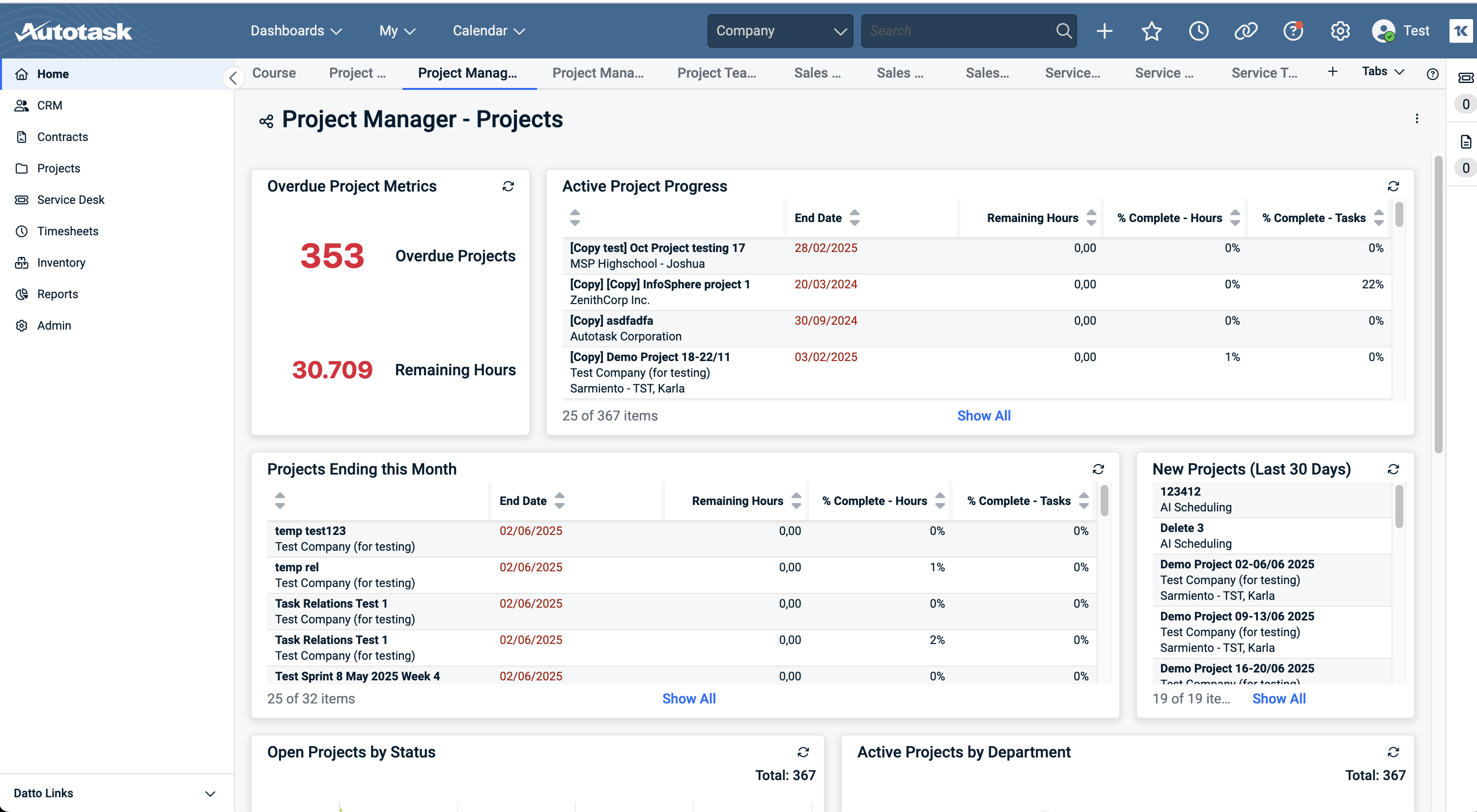
A Managed Service Provider recently decided to move all of their billing into Autotask. A smart step. Until the first invoices had to go out. That’s when everything became painfully clear: too few recorded hours, work outside of contracts, UDFs with no real meaning. Autotask doesn’t lie. And that can sting.
Engineers hate timesheets. And that’s okay.
Let’s be honest: engineers love scripts, automation, and fixing problems. But recording hours? Not so much. Still, as an MSP, you need to be able to show the numbers. For your client. For your SLA. For ISO. For NIS2. And that means the hours have to be in the system. Not because finance demands it, but because they are your fuel. No hours = no invoice = no MSP.
As Jasper puts it: “Dxfferent is the vehicle to your success, but without fuel it won’t move.” Until the day we all live in an all-inclusive subscription utopia, hours remain that fuel.
Waiting until the end of the month to clean things up is asking for trouble. A mature MSP builds rhythm. Weekly. Or daily. But start realistically: every week. Yes, you can make submitting mandatory, but the real work lies in daily management. Team leads shouldn't wait until Monday. They should give feedback every day. The earlier you course-correct, the better your data. And the calmer your month-end.
A workable rhythm for MSPs up to 30 employees:
Every day: Log hours directly, no later than end of day.
Monday before 10:00: Staff submit their timesheets.
Monday & Tuesday: Team leads check for completeness and accuracy.
Wednesday / Thursday: Exceptions and anomalies are investigated, hours approved.
Thursday end of day: Final approval.
Friday: Finance/management reviews dashboards, prepares billing. No surprises, no invoice questions.
Want even fewer billing headaches and more ownership? Have sales or management review the invoice preview. If something doesn’t match? Just unpost, fix, done. For MSPs up to ~30 employees this works perfectly with short communication lines.
Use the right widgets for this:
Pending Billing Items – filter on Type: Labour, and Item Date up to today.
Work Entries without Contract – filter: Contract = Empty.
Custom UDFs like “Contract check needed” or “Sales review required” – tied to smart widgets.
Also, check your CI’s, contract structures, and exclusions. Without a solid setup, the same mistakes will keep coming back.
Use the Approve & Post dashboard.
Set up your billing flow per department or division. Focus on hours without contracts, incorrect Worktypes, and tickets with wrong roles. We often map this for clients in a clear, clickable process overview.
Want to go even further? Pair Autotask with Proxuma. With Proxuma’s dashboards and bulk-edit tools, you can cut out repetitive admin, get cleaner data, and keep your billing cycle running smooth.
Business development @ Proxuma
Written on: Modified: