

Business development @ Proxuma
This article is reviewed by: Jasper van Horssen
Written on: Modified:
Blogs
Imagine this: you’re running multiple companies in a single Autotask environment. Or you have several branches you want to keep separate, yet still manageable in one system. Pretty soon you’ll face the question: how do you keep this both secure and under control?
Autotask has a smart solution for this: Lines of Business (LoB). With LoBs you decide who can access which data, and your administration gets smarter too. You can define exactly which people are allowed to see which contracts, tickets, or projects. And the power of LoBs goes beyond security.
LoBs also work as filters. In billing, reporting, and dashboards you’ll instantly get the right view per company, service, or team. That saves you from endless hours of staring at unclear numbers and gives you control over both operations and finance. A useful detail: you can even configure different invoice number formatting per business unit.
Small side note: if you only run one company in Autotask, Lines of Business might be overkill. In that case, you’re better off with Departments or Work Groups. Those keep your teams neatly separated without unnecessary complexity. We’ll outline the alternatives further down in this article.
Line of Business is part of Autotask’s Organizational Structure. Important to know: an LoB never stands on its own. It always works together with a Division. Together, they form the backbone of your setup.
Think of them as two layers to structure your organization:
First layer: Division. This is the top-level subunit. You decide the label: Business Unit, Branch, Sector, or Segment. Useful if you want separate invoice numbers per company or location. You can use Divisions without LoBs, but then you’ll miss a lot of power, especially filters on contracts, tickets, and projects.
Second layer: Line of Business. This reflects what your organization does or delivers. Examples include a LoB for Managed Services, Consultancy, or a specific product. Here you attach entities like contracts, tickets, or projects. An LoB can only exist when linked to a Division.
You can connect Divisions and LoBs in different ways. From our experience, the best approach is to give Divisions and Lines of Business the same name and link them one-to-one.
Why? Because a LoB is not meant to capture every detail of your organization. For fine-grained team structures, there are better options, which we’ll cover later in this blog.
Example 1
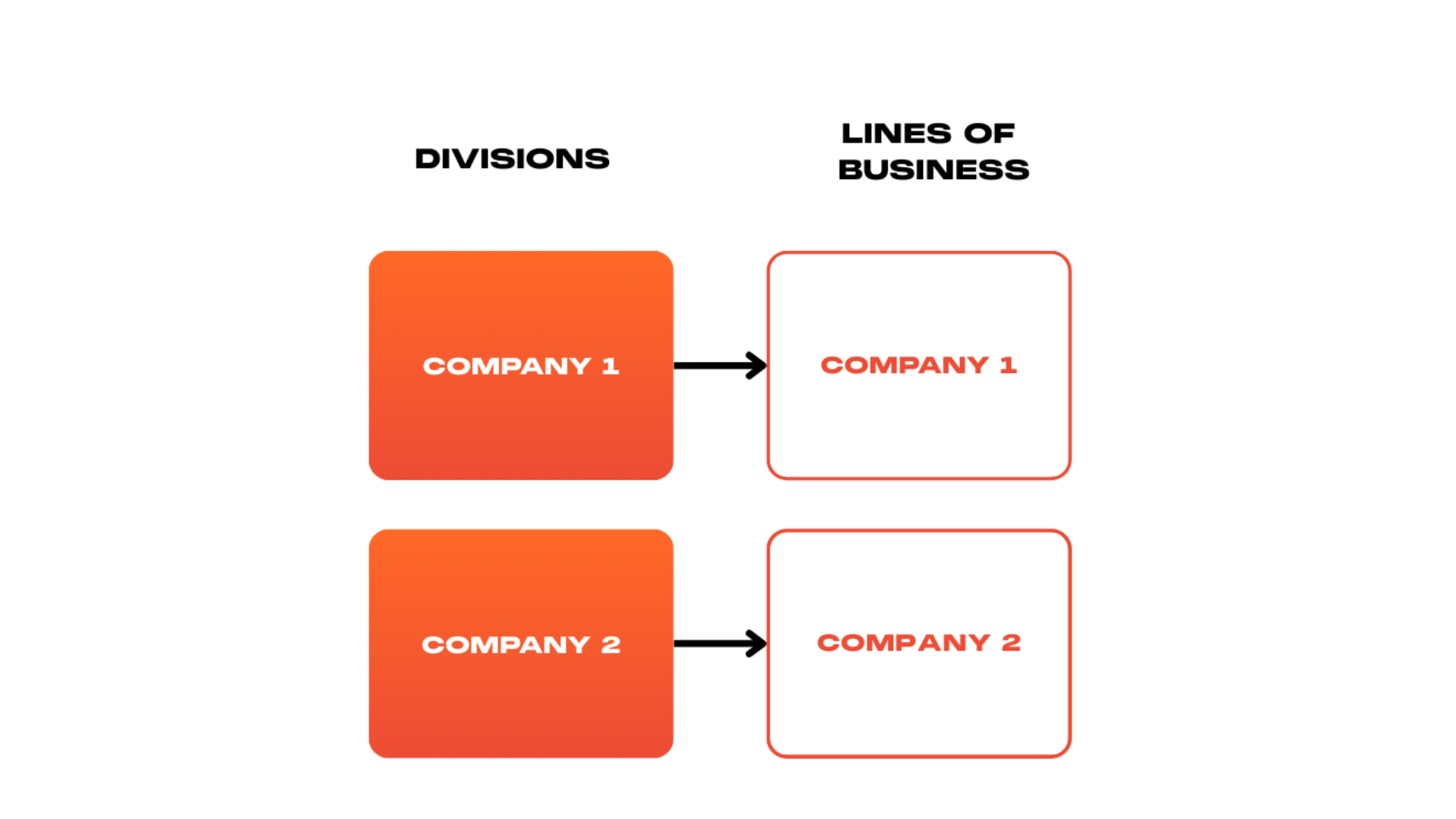
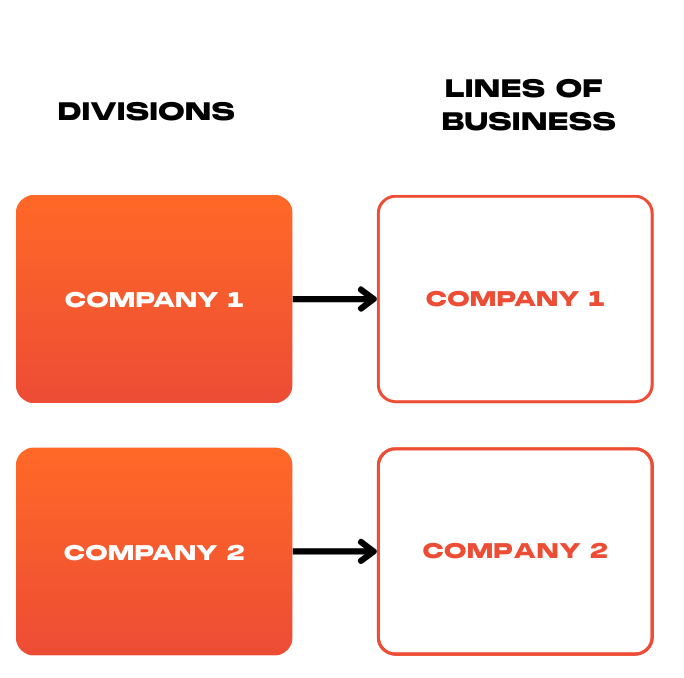
A buy-and-build organization acquires two companies and wants to manage them in one Autotask environment. The solution: create two Divisions, each with a same-named Line of Business. This way invoice numbers, contracts, and tickets stay neatly separated per company without adding unnecessary complexity.
Example 2
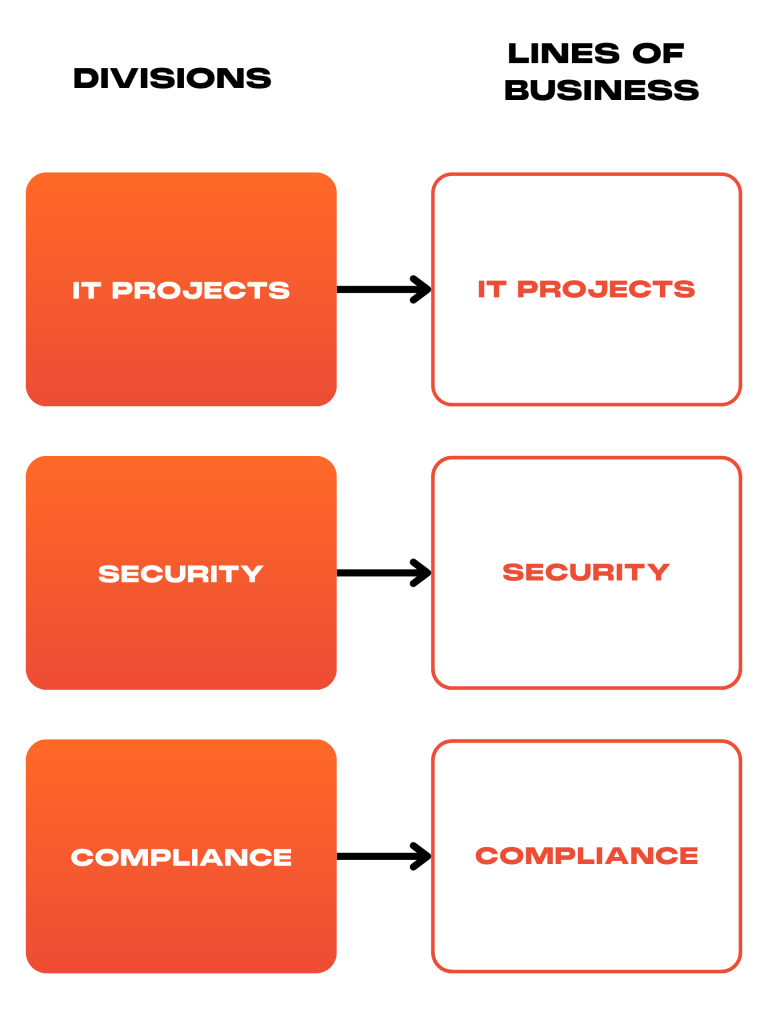
An MSP has three very different business units: IT Projects, Security, and Compliance. These services are far apart in content but must all operate in the same Autotask environment. By creating a Division and LoB for each unit, you keep them strictly separated. No overlap, no confusion, and it is immediately clear which contracts, tickets, and projects belong where.
Before you start with Lines of Business, keep in mind: this function isn’t always visible in Autotask by default, and that is for good reason. Once you enable it, a lot changes, especially in terms of security. That’s why it’s smart to first check whether the scenarios you want to support truly fit the Organizational Structure. Common use cases you can find here: Billing and Line of Business and Data segmentation.
Assigning an employee to a Line of Business is a manual task. Important: every ticket must have a LoB, otherwise it remains visible to everyone. Because this is error-prone, it’s best to either make one person responsible or automate the process. In practice, we usually solve this with Workflow Rules. Each new ticket then automatically gets a Line of Business assigned, so you can be sure every ticket lands in the right place and nothing falls through the cracks.
Autotask offers several ways to structure your organization. Well-known examples include Territories and Account Teams. So when do you choose Lines of Business?
Territories segment customers. Handy if not everyone should see every customer. Example: your healthcare sales team only sees healthcare customers, while the manufacturing sales team only sees manufacturing customers.
Account Teams work differently. Here you define which employees are prioritized for a customer. Others can still see the account but are less likely to pick up tickets. It’s the most detailed way to link a customer to specific employees. Example: a key account gets a dedicated account team with a project manager, lead engineer, and support rep.
Departments keep teams and departments apart, ensuring the right department is automatically linked to the right tickets and projects.
Work Groups are flexible and designed for cross-departmental teams. For example: I might belong to the Projects department, but also be part of the Networking Work Group because that’s my expertise.
In short: Territories and Account Teams are about customer assignment. Lines of Business, Departments, and Work Groups are about your own organization. LoB is especially useful if you manage multiple companies in one Autotask environment. If not, Departments and Work Groups are usually the better choice.
If you set up Lines of Business well, you’ll cut noise from your operation and bring structure to your administration.
For engineers this means clarity. They instantly see which tickets and projects are within their scope. No more chaos where everything piles into one big bucket, but a clear overview of what does and doesn’t belong to their team.
For managers it means control. Reports become more reliable, since you can break them down per business unit or service. You’ll see how contracts are divided and where margins arise or disappear.
For leadership it means insight. You can keep multiple companies or services separated within one Autotask environment and still manage them centrally. You stay in control without constantly switching between environments.
Line of Business isn’t a switch you flip once and forget. It’s a way of thinking about your structure in Autotask. The trick is to keep it simple. Start with a model that fits your organization.
Map how your companies, services, and teams currently work.
Translate that into Divisions and Lines of Business.
Link resources, contracts, and projects to the right units.
Keep adjusting as you go. What works today might be too limited a year from now.
MSPs who take this approach build a foundation they can grow on. Those who don’t risk ending up with a system that works against them rather than for them.
Curious how this could work in your Autotask environment? Our Proxuma Consulting team helps MSPs design, implement, and optimize structures like Lines of Business in Autotask and Proxuma, so Autotask keeps working for you as you add companies and services, not against you.
Business development @ Proxuma
This article is reviewed by: Jasper van Horssen
Written on: Modified: