

Business development @ Proxuma
This article is reviewed by: Jasper van Horssen
Written on: Modified:
Blogs
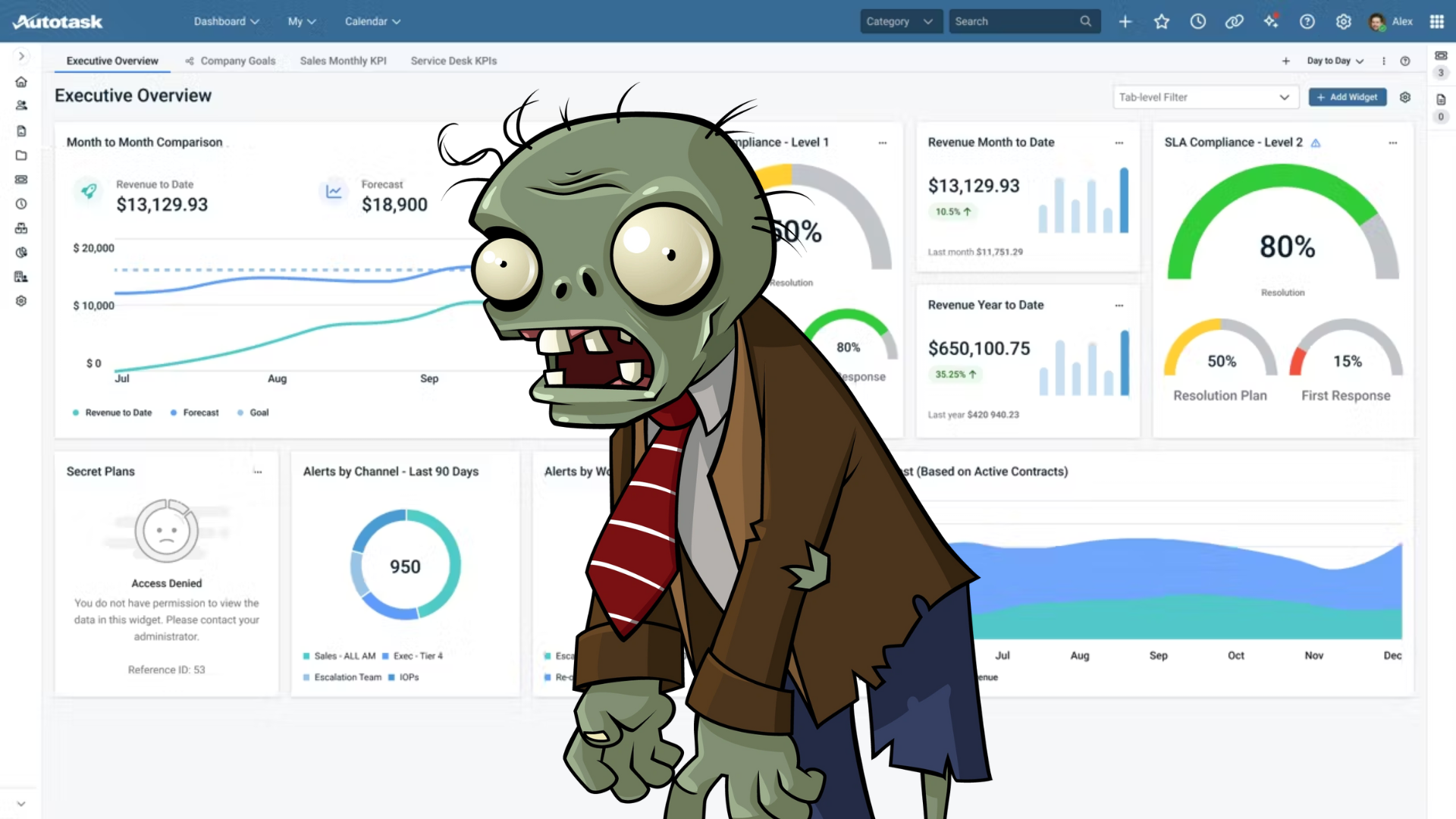
If you're managing your operations in Autotask or a similar PSA tool, you're likely affected by them: zombie tickets.
These tickets appear open and active, they show up in your dashboards and reports, but no one is actually working on them. They have no owner, no recent updates, and often no customer response. Still, they linger and quietly harm your business.
Zombie tickets may seem harmless at first glance, but they are a hidden source of inefficiency in many MSPs.
A zombie ticket is an open ticket that no longer serves a purpose. It has stopped moving, yet remains present in your system. This often happens when a ticket is stuck in a "Waiting for" status (such as Waiting Customer or On Hold), hasn't been updated in two weeks or more, lacks a clear owner, or duplicates another issue without proper context.
Despite being inactive, zombie tickets still count toward your SLA metrics, workload planning, and billing reports. That makes them more than clutter. They are a silent drain on your operations.
Zombie tickets throw off your data. SLA dashboards become unreliable. Engineers avoid these tickets, shifting pressure elsewhere in the team. For time-and-materials billing, lost updates mean lost revenue. Customers may assume the issue has been forgotten, and trust starts to erode.
Eventually, small delays turn into escalations. Morale drops. Productivity suffers. All because of tickets no one is actually managing.
Start by using Autotask dashboards to filter for common zombie symptoms. Look for tickets that:
Are still in any "Waiting for" status (for example Waiting Customer or On Hold)
Have had no updates in over 14 days
Have no assigned engineer
Show no time entries or notes in the past two weeks
To visualize these, create a dashboard using workflows combined with a custom UDF that flags tickets as zombie candidates. This gives you a real-time overview and helps your team prioritize cleanup.
To stay on top of it, use workflow automation. If a ticket is older than 10 days with no updates, mark it internally as a zombie candidate. Encourage your team to review and resolve a few each week. Just 15 minutes per engineer can make a big difference.
As part of our service at Dxfferent we create these dashboards and workflow automations. Curious what Dxfferent can do for you? Check out our website.
Proxuma's bulk edit feature isn't just useful for moving multiple service calls at once, or dealing with project delays. If you click on the bulk edit pencil, you can also just select "tickets" and go to the ticket selector.
Inside there, you can start finding your zombie tickets by any Autotask variable:
Filter by status = "Waiting customer", then sort by "created date" to find the tickets older than your "Zombie threshold".
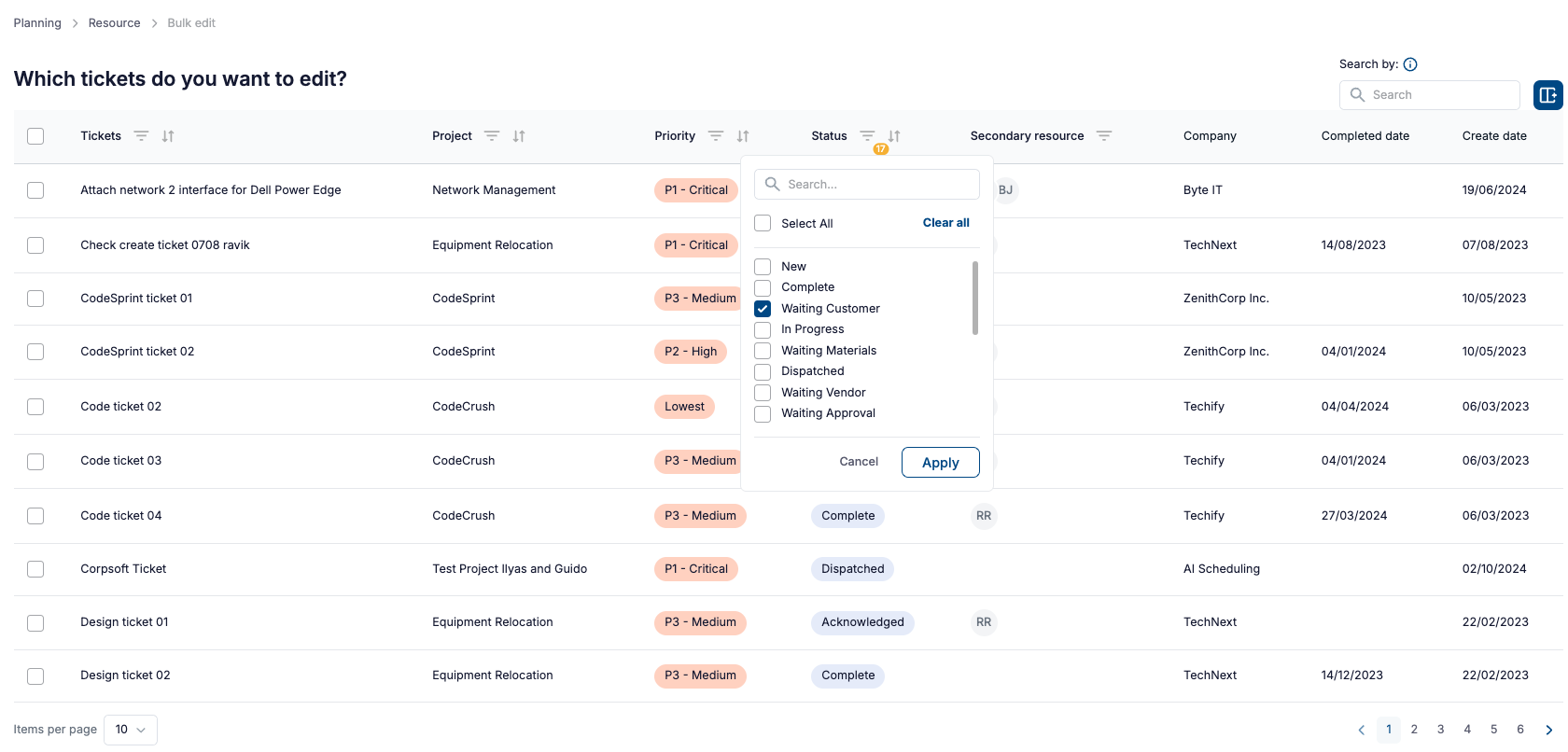
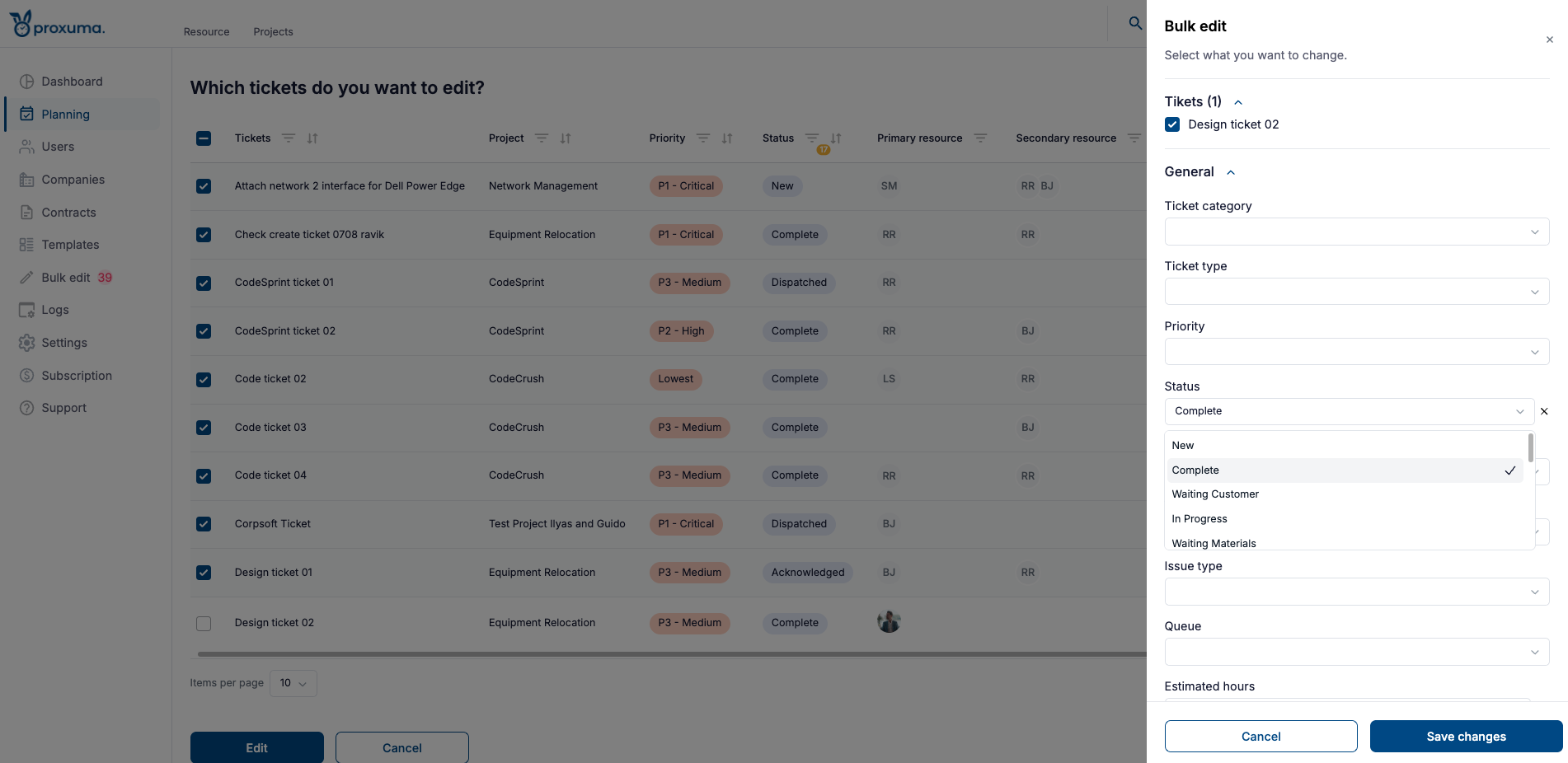
You can then select all, and apply a system-wide status update to "complete" or apply another action in line with your processes.
The same process is also available if you want to find tickets by "Last activity date", "Last customer notify date" or "primary resource".
All these filters can be stacked, along with a general string search for any word in the ticket. This way, finding zombie tickets and quickly cleaning them up is an easy job.
Zombie tickets may not be loud, but they are dangerous. They lower your service quality, hide billing opportunities, and slow down your team.
With the right tools, you can identify and remove them before they do more damage. Proxuma helps you automate that process so you can focus on what actually matters: delivering great service and running an efficient operation.
By cleaning up zombie tickets, your KPIs become more reliable. Think accurate SLA performance, true backlog visibility, and real engineer utilization rates. No more steering based on polluted data.
Want to see it in action? Book a short demo or request a recorded demo and discover how Proxuma keeps your tickets clean and your team focused.
Business development @ Proxuma
This article is reviewed by: Jasper van Horssen
Written on: Modified: